Flutter Essential Training: Build for Multiple Platforms
Build cross-platform apps with Flutter and Dart
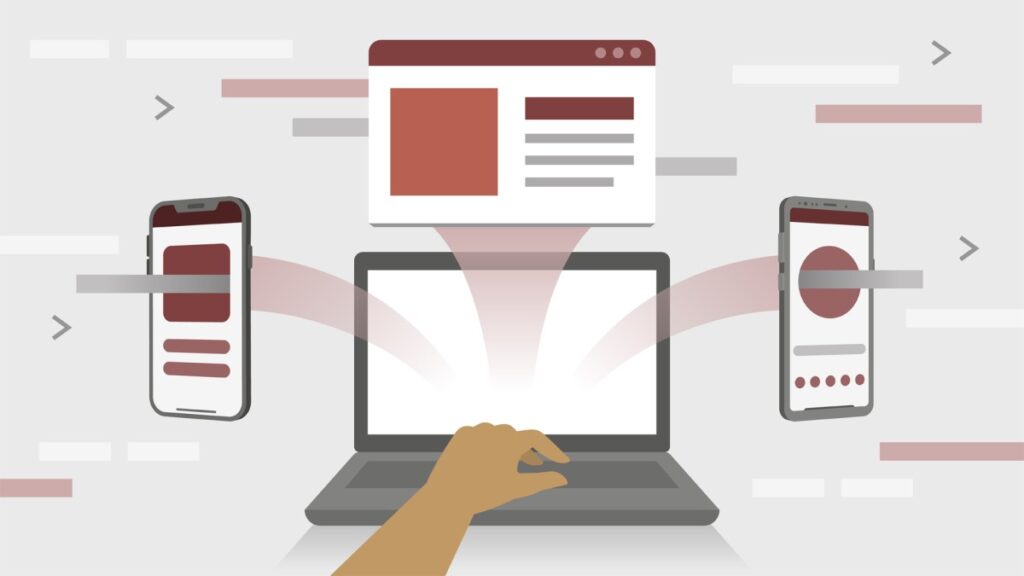
Flutter Essential Training: Build for Multiple Platforms introduces Dart and the Flutter framework, showing how to create cross-platform mobile, web, and desktop applications using widget-driven UI and responsive layouts. Through hands-on lessons on widgets, layouts, interactivity, and package management, learners translate visual designs into functional Flutter code.
The course emphasizes practical competencies such as state management, asynchronous programming, JSON/REST API integration, and pubspec-based package usage to support real app features. It is well suited for beginners and developers seeking a focused, application-oriented path into cross-platform UI development.
At a Glance
Flutter Essential Training: Build for Multiple Platforms is a LinkedIn Learning course taught by Pooja Bhaumik that introduces Dart and the Flutter framework for cross-platform app development. It covers Dart fundamentals, Flutter UI building blocks, interactivity and state management, pubspec and package usage, JSON and REST API integration, and practical steps for running apps on mobile, web, and desktop.
| Level | Beginner |
| Rating | 4.7 out of 5 |
| Duration | 7+ hours |
| Languages | English |
| Certificate | Certificate of completion |
| Access | Access while your LinkedIn Learning subscription is active |
| Course includes |
|
| Price | Included with LinkedIn Learning subscription; free trial available |
What This Course Teaches
This course frames outcomes as concrete, demonstrable competencies that prepare learners to develop cross-platform Flutter applications from first principles to working features.
Expect to build, integrate, and manage Flutter app components: from Dart language constructs and reusable widgets to API integration, package management, and basic state management for mobile, web, and desktop targets.
How the Course Is Structured
The course is organized into 10 top-level sections and a sequence of short, focused lessons that move from setup and Dart basics to Flutter UI, interactivity, package usage, async/APIs, and data/state topics. Altogether the syllabus lists roughly 75 individual video lessons and runs for about 8 hours in total.
Curriculum overview
01Introduction▾
Course orientation, what to know before starting, and how to access the GitHub exercise files.
02Essential Dart Concepts for Flutter▾
Introduces Dart fundamentals including data types, functions, classes, and object basics required for Flutter development.
03Introduction to Flutter▾
Covers Flutter resources, installation and IDE setup on macOS and Windows, selecting a Flutter version, and running a Hello World app across targets.
04Basic Building Blocks▾
Explains core UI elements: widgets, layouts, alignment, custom widgets, and techniques for converting designs into Flutter code.
05Interactivity▾
Focuses on state, stateful widgets and their lifecycle, user input, form validation, gestures, buttons, and navigation patterns.
06Everything about Pubspec▾
Details pubspec.yaml structure, using pub.dev, adding plugins and packages, and Dart modeling topics such as generics and JSON handling.
07This Is the Future▾
Addresses asynchronous programming, API exploration with Postman, JSON serialization, REST integration, FutureBuilder, and related UI patterns.
08Working with Data▾
Covers state-management needs, Provider and change notifiers, caching strategies, dynamic pages, and making UIs responsive for web.
09Conclusion▾
Wraps up the course and summarizes recommended next steps for continued Flutter learning.
10Next steps▾
Provides guidance on where to go next in the learning path and additional Flutter documentation to consult.
Audience & Requirements
This course is aimed at developers and designers who want to learn Flutter for building cross-platform mobile, web, and desktop applications.
It targets complete beginners to Flutter and Dart as well as programmers seeking a practical, hands-on path to translate UI designs into working app screens and flows.
- Beginners and developers new to Flutter/Dart
- Mobile or web developers adding a cross-platform framework to their toolkit
- Designers or front-end engineers translating UI designs into Flutter code
- Practitioners building common app features (login, chat, lists) for prototypes
- No prior Flutter or Dart experience required
- An IDE configured for Flutter (Android Studio recommended; VS Code acceptable)
- Familiarity with basic programming concepts (variables, functions, classes) is helpful
- Optional: GitHub access to download the course exercise files
Final Verdict
This course is a solid, practical introduction to Flutter that I recommend for beginners, designers, and developers who want a hands-on path to building cross-platform UI and basic app features. Given its strong learner rating and clearly organized syllabus, it reliably covers the essentials you need to move from setup through working apps without unnecessary detours.
The subscription access model and included certificate make it a low-friction option for people already on the platform or willing to try a free trial, so the price-to-value ratio is favorable for that audience. Advanced Flutter developers seeking deep architectural patterns or extensive state-management techniques should look for more specialized follow-up resources.


 Pluralsight