Ableton Live 12 Essential Training
Get productive with Ableton Live 12 for production and performance
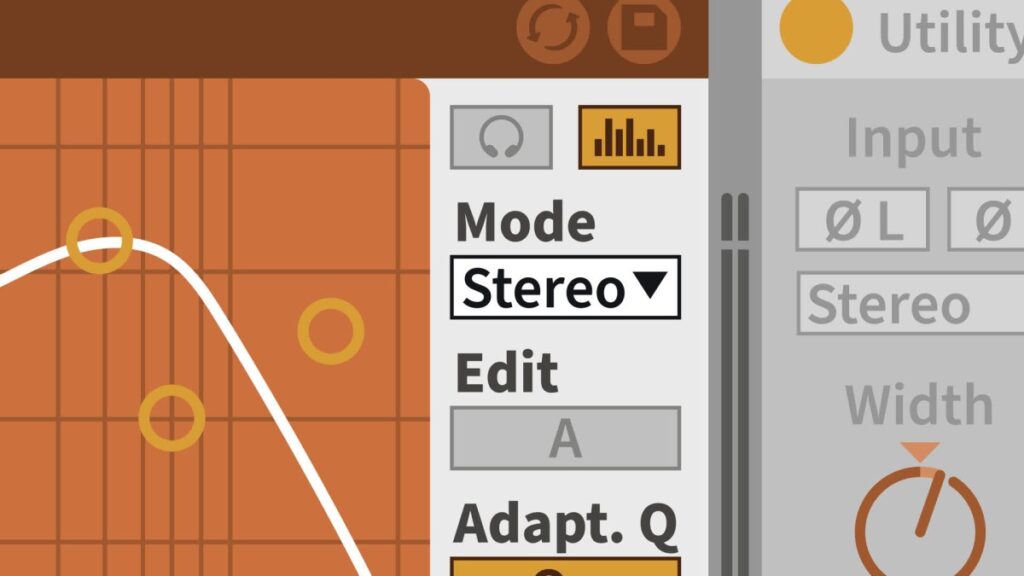
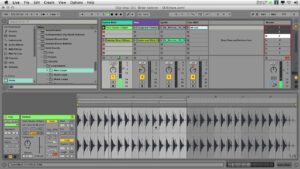
Ableton Live 12 Essential Training introduces core workflows in Ableton Live 12, a DAW built for recording, loop‑based songwriting, sound design, and live performance. The course emphasizes practical use of Session View and Arrangement View, MIDI and audio editing, plugins and racks, plus mixing and automation techniques.
Designed for beginners and intermediate users, the curriculum uses hands‑on examples to build measurable competence in clip launching, MIDI editing, audio warping, automation, and controller mapping. Learners should come away able to apply these skills to production workflows, live sets, and ongoing sound‑design projects.
At a Glance
Ableton Live 12 Essential Training is a practical, workflow-focused course that teaches how to use Ableton Live for recording, loop-based composition, and synth- and sample-based sound design. It is taught by music technology professor Rick Schmunk and broadly covers setup and the Live interface, Arrangement and Session workflows, MIDI and audio editing, effects and racks, mixing and automation, and file management.
| Level | Beginner to Intermediate |
| Rating | 4.8 out of 5 |
| Duration | 9+ hours |
| Languages | English |
| Certificate | Certificate of Completion |
| Access | Access for as long as your LinkedIn Learning subscription is active |
| Course includes |
|
| Price | Subscription-based (monthly or annual plans); 1-month free trial often available |
What This Course Teaches
This course frames learning outcomes as practical, measurable competencies you can apply directly in music production workflows with Ableton Live 12. By the end you should be able to configure systems, record and edit MIDI and audio, design sounds with plugins and racks, arrange and mix tracks, and automate or map controls for performance and export.
How the Course Is Structured
The course is organized as a sequence of focused sections that move from setup and interface orientation through dedicated units on MIDI, audio, effects, mixing, automation, and final file management. In total it comprises 16 sektion-level modules and runs to about 9 hours of video instruction.
Curriculum overview
01 Introduction ▾
Orientation to the course, how to use the exercise files, and an overview of what you will learn in Live 12.
02 Getting Started with Ableton Live ▾
Covers connecting hardware, configuring audio and MIDI I/O, optimizing performance, and the Live user interface.
03 Using the Live Browser ▾
How to navigate, search, filter, and customize the Live browser and manage Live Sets for fast access to sounds and files.
04 Working in Arrangement View ▾
Techniques for setting up Arrangement View, recording MIDI, controlling playback, and preparing tracks for arrangement.
05 Working in Session View ▾
Using clips, scenes, and Session View recording workflows to prototype ideas and perform non-linear arrangements.
06 Working with MIDI ▾
Clip View, grid configuration, quantizing, groove settings, and detailed MIDI editing including pitch, duration, and velocity.
07 Transform and Generate MIDI Tools ▾
Apply Live’s MIDI devices — arpeggiators, pitch tools, rhythm and generative devices — to create and manipulate musical ideas.
08 Working with Audio ▾
Prepare for and record audio, edit clips, use fades, manage takes and comping, and warp and quantize audio material.
09 Working with Arrangements ▾
Arrangement-specific workflows including track freeze, locators, section editing, and moving material between Session and Arrangement views.
10 Working with Plugins ▾
Plugin basics and workflows for instrument, audio, and MIDI plugins and how to integrate them into Live projects.
11 Working with Live Racks ▾
Build and manage audio, instrument, and drum racks with zones, macros, and routing to create flexible instrument and effect setups.
12 Using the Live Mixer ▾
Mixer setup, send/return workflows and routing techniques, including practices specific to drum racks.
13 Using Mapping in Live ▾
Key and MIDI mapping workflows plus instant mapping techniques for assigning hardware and keyboard controls.
14 Using Automation in Live ▾
Create and edit track, clip, and real-time automation to shape parameter changes over time during production and performance.
15 File Management ▾
Organize projects, manage files, and export audio from Arrangement and Session views for delivery.
16 Conclusion ▾
Final wrap-up, recommended next steps, and practical advice for managing files and continuing development with Live.
Audience & Requirements
Ableton Live 12 Essential Training is aimed at music producers, songwriters, and performers who want a practical, workflow-driven grounding in Live’s recording, clip-based, and sound-design toolset. It suits bedroom producers and electronic musicians, sound designers, and performers who want to apply Ableton Live 12 to composition, recording, and live setups.
- Bedroom producers and electronic musicians building loop-based tracks and arrangements.
- Songwriters using Session and Arrangement views to prototype and structure songs.
- Sound designers and synth users learning Live’s devices, racks, and plugin workflows.
- Live performers wanting to map controls and run non-linear sets with Session View.
- Ableton Live 12 installed (full version or trial) to follow along with examples and exercises.
- Headphones or studio monitors; an audio interface is recommended if you plan to record live sources.
- Optional MIDI controller for hands‑on mapping, performance, and MIDI editing practice.
- No special prerequisites—course is suitable for beginners, though basic musical familiarity is helpful.
Final Verdict
Ableton Live 12 Essential Training is a practical, well-structured introduction that teaches studio and performance workflows in a logical sequence. Given its strong rating, clear syllabus, and inclusion of a completion certificate on a subscription platform, it represents good value for learners who want a concise, hands‑on grounding in Live 12.
This course is recommended for beginners and intermediate users—bedroom producers, electronic musicians, sound designers, and performers—who want reliable, workflow‑oriented training without a heavy time commitment. If you already use the platform or plan to try the service’s trial, this course is an efficient way to get productive in Live; learners seeking deeper, project‑mentored support should pair it with more advanced, project-focused resources.

 Skillshare