
Learn Video Editing With Premiere Pro For Beginners
Get practical Premiere Pro skills to edit professional-looking videos
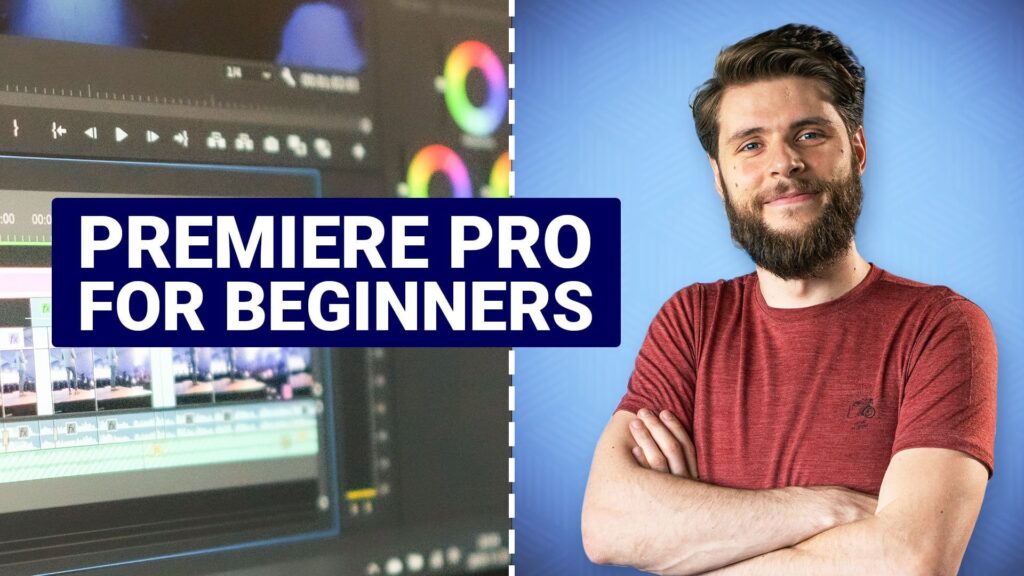
Learn Video Editing With Premiere Pro For Beginners is a project-focused class that teaches practical video editing skills using Adobe Premiere Pro for aspiring editors and content creators.
The course emphasizes a hands-on editing workflow, covering footage organization, effects and titles, color correction, audio mixing, and export techniques so learners can build real editing competence. Short lessons and downloadable practice footage let beginners and creators practice non-linear editing workflows and refine their craft with guided projects.
At a Glance
Learn Video Editing With Premiere Pro For Beginners is a Skillshare class that presents a practical, project-led introduction to Adobe Premiere Pro.
The course is taught by professional editor Jordy Vandeput and broadly covers footage organization and import, core editing workflows, interface tools, effects and titles, color correction, audio mixing, and export best practices.
| Level | Beginner |
| Rating | 4.6 out of 5 |
| Duration | 2+ hours |
| Languages | English |
| Certificate | No formal certificate |
| Access | Access for as long as your subscription is active |
| Course includes |
|
| Price | Included with subscription |
What This Course Teaches
The course frames outcomes as measurable editing competencies that learners demonstrate through hands-on projects and practice.
By course end, students can organize and import footage, apply a professional editing workflow, use Premiere’s interface tools, create effects and animated titles, perform color correction and audio mixing, and export high-quality deliverables.
How the Course Is Structured
The course is organized as a project-led sequence of short, focused lessons that follow a practical editing workflow from footage import through final export.
It runs across roughly 20 short lessons and totals about 2+ hours of instructor-led video, with concise lessons designed for incremental, hands-on practice.
Audience & Requirements
The course targets beginners and creative creators seeking a hands-on introduction to Premiere Pro’s practical editing workflow.
It is especially suited to hobbyists, YouTubers, and short-form filmmakers who want to produce polished videos without prior professional experience.
- Beginner video editors and hobbyists learning core editing workflows.
- YouTube creators and social-video producers polishing short-form content.
- Independent filmmakers and content creators preparing client or festival edits.
- Media students and marketers looking for practical, project-based editing skills.
- Adobe Premiere Pro (CS6 or newer; trial versions are sufficient to follow lessons).
- No prior editing experience required.
- Course provides downloadable practice footage to follow along.
- A computer capable of running Premiere Pro (better playback improves the editing experience).
Final Verdict
Learn Video Editing With Premiere Pro For Beginners delivers a focused, project-driven introduction to practical editing that makes it easy for newcomers and creative producers to become productive quickly.
Given its strong user rating and subscription-based access model, it represents good value for learners who prioritize applied skills over formal certification. If you require an accredited credential, this class does not supply a formal certificate, but for hands-on skill building and workflow practice it is a reliable, low-risk option—especially if you plan to use a subscription to sample multiple related classes.

 Pluralsight